
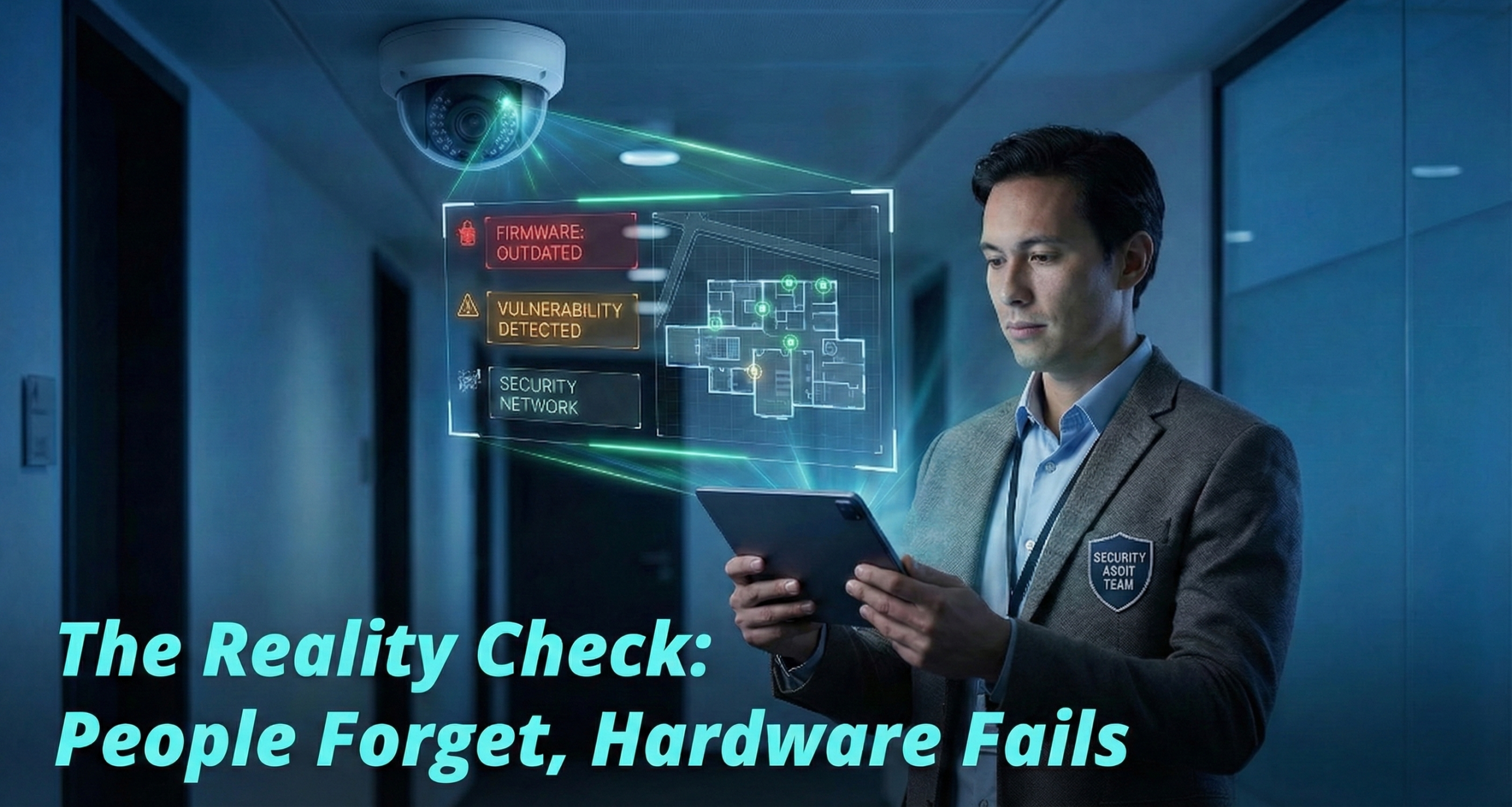
Is your security system a silent guardian or a false sense of safety? Here is how to audit your infrastructure before a breach happens.
In many organizations, security systems suffer from the ‘Set and Forget’ syndrome. Cameras are installed, badges are issued, and then trusted blindly for years. This negligence is quantifiable; recent audits by Genetec revealed that nearly 70% of security cameras are currently running on outdated, vulnerable firmware. The reality? A silent system is often a broken system.
The reality? A silent system is often a broken system.
A security audit is not just a compliance formality; it is a strategic necessity. Whether you manage a single facility or a multi-site enterprise, this guide will walk you through a professional-grade audit of your physical and electronic security infrastructure.
What is a Security Systems Audit?
Unlike a general risk assessment or IT penetration test, a security systems audit specifically targets the effectiveness of your physical and electronic hardware. It answers three questions:
- Functionality: Is the hardware working?
- Coverage: Are there new blind spots?
- Compliance: Can we prove who did what and when?
Step 1: The “Ghost” Inventory Check
You cannot audit what you can’t see. The most common gap in security systems we find is “Shadow Security”—devices installed years ago that no one tracks.
Action Item: Create a unified map of:
- Surveillance: Cameras, NVRs/DVRs, and storage servers.
- Access Control: Door controllers, card readers, and maglocks.
- Intrusion: Motion sensors, glass break detectors, and panic buttons.
Pro Tip: If your inventory list lives in three different Excel sheets, you already have a risk gap. Centralizing this data is your first move.
Step 2: The Physical Walkthrough (Identifying Blind Spots)
Threats rarely attack where you are strongest; they exploit the gaps. Walk your perimeter with a “Red Teaming” mindset—think like an intruder.
- Field of View: Check for physical obstructions (renovations, shelving, landscaping).
- Lighting: Audit night feeds to ensure low-light clarity.
- Retention: Verify you can actually retrieve random footage from 30 days ago.
Access Control Stress Test
- Door Propping: Confirm alarms trigger if a door is held open (e.g., 60 seconds).
- Tailgating: Check if physical barriers successfully prevent “piggybacking.”
- The “Exit” Test: Ensure emergency push-bars release the door instantly.
Step 3: Cybersecurity Audit for Cameras & NVRs
Connecting an outdated camera is like locking the front door but leaving a window open. Hackers use these endpoints to bypass defenses and breach your network.
Network & Firmware Check
- Update Status: Verify all NVRs and cameras run the latest firmware.
- Password Hygiene: Identify and change any default credentials (e.g., admin/1234).
- Network Segregation: Ensure cameras operate on an isolated VLAN, separate from general traffic.
Step 4: Access Policy & Hygiene
Hardware rarely fails; people do. Your security systems (access control, here) are only as secure as your user list.
Red Flags to Look For:
- Zombie Users: Employees who left 6 months ago but still have active badges.
- Super-Admins: Too many users with “Global Unlock” or “System Admin” privileges.
- Contractor Creep: Vendor badges that were issued for a 1-week project but were never deactivated.
Stat: Verizon 2024 Data Breach Investigation Report identifies that 38% of all data breaches began with credential theft as the initial access vector.
Step 5: Operational Readiness & Human Factors
Without a clear plan for how to react to an alert, your high-tech security systems (cameras, here) are just expensive wall decorations. They might record a crime, but they certainly won’t stop it.
- Alert Fatigue: Do your guards ignore alarms because the system generates 500 false positives a day?
- Incident Response: Does the team know exactly who to call if a server goes down or a breach occurs?
- Retrieval Speed: Time yourself. How long does it take to export 10 minutes of video evidence to a USB drive? If it takes more than 15 minutes, your system is too complex.
Common Audit Pitfalls to Avoid
- Ignoring “Temporal” Blind Spots: Auditing only during business hours. (What happens on weekends?)
- Siloed Systems: Treating cameras and access control as separate worlds. (They should talk to each other.)
- No Audit Trail: Failing to document who performed the audit.
When to Bring in a Partner?
Internal audits are excellent for maintenance, but they suffer from confirmation bias. You are used to seeing the building a certain way; an outsider isn’t.
Consider a third-party security partner if:
- You are managing multiple sites and lack a centralized dashboard.
- You are preparing for a major compliance certification (ISO, SOC2, HIPAA).
- Your “legacy” system is costing more to maintain than it would to replace.
Ready to Future-Proof Your Security?
An audit is only valuable if it leads to action. Identifying gaps is the first step; closing them is the goal.
Matrix delivers enterprise-grade solutions designed to address these vulnerabilities directly. Whether you are upgrading legacy infrastructure or expanding locations, our integrated systems turn audit findings into resilient security.
Explore Matrix Security & Surveillance Solutions. Turn audit observations into measurable security improvements.
Frequently Asked Questions (FAQ)
- How is a security system audit different from a general risk assessment?
A risk assessment evaluates broad threats (like theft or disasters). A security audit is a technical health check of your hardware. It answers three functional questions: Is the equipment working? Are there coverage gaps? Is the system compliant for evidence retrieval?
- How often should I audit my physical security system?
Annually: Perform a full hardware audit.
Quarterly: Review access logs to remove “zombie users.”
Tip: Audit at different times (e.g., late night vs. midday) to catch lighting issues and temporal blind spots.
- What are “Ghost” devices?
These are untracked legacy devices—like old cameras or readers—forgotten in your inventory. Because they are often missed during updates, they remain unpatched and act as “open windows” for cyberattacks.
- What are the most common blind spots in video surveillance?
Blind spots usually result from environmental changes, not camera failure.
Obstructions: New shelving, renovations, or landscaping blocking the view.
Lighting: A camera with a clear view at 2:00 PM may be pitch black at 2:00 AM.
- Why is firmware management critical?
Security devices are entry points for hackers. If firmware is outdated, your system is vulnerable. A proper audit ensures devices are patched, default passwords (like admin/1234) are changed, and hardware is isolated on a separate VLAN.