
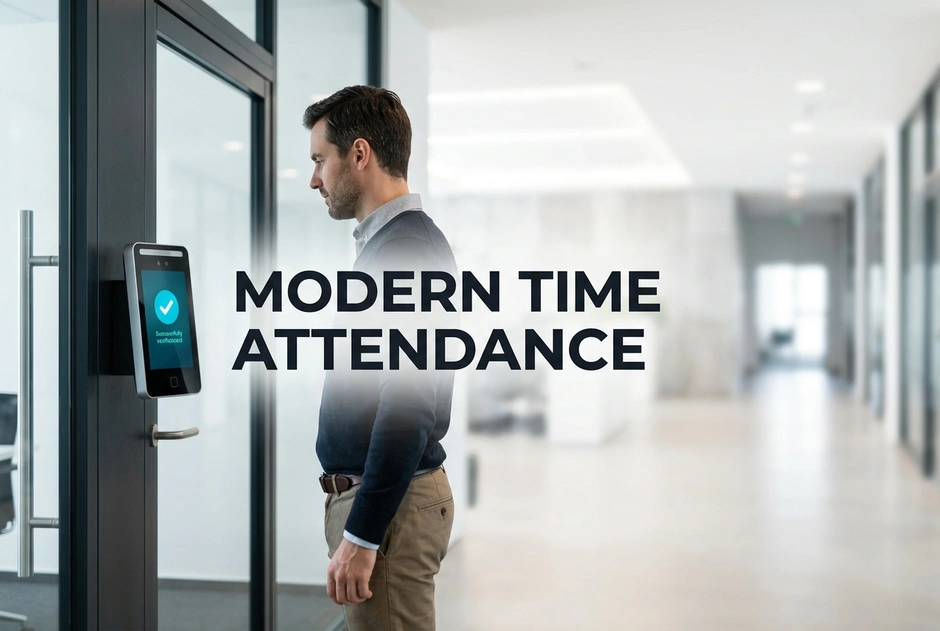
Many large enterprises use old card systems or manual logs. This leads to slow office work and legal risks. It also causes lost pay money. In fact, companies lose up to 5% of payroll to time theft. Old systems check presence but do not prove who is there. A modern attendance solution fixes this issue. It tracks hours fast and cuts payroll errors by 90%.
To choose the right tool, managers must compare biometric attendance vs card systems. Plastic cards are easy to lose, copy, or share. Body scans, like fingerprint or face checks, link to a real person. This link offers time attendance and payroll integration. The sync stops manual entry. It also cuts human errors.
Old tools create risks for spread-out enterprises. For instance, buddy punching raises labor costs by 10%. Managing many sites with different shifts is hard. Large main offices often use different tools than regional plants. When tools are split, HR teams waste time. They must check and merge data by hand.
Bad networks can break old on-premise systems. If a central server fails, devices stop syncing. This creates legal gaps and upsets workers. Safe enterprises must think about data privacy. This is vital when tracking remote staff. You need hybrid work attendance tracking to protect data. It also keeps records safe.
When looking at upgrades, enterprises find many hardware tools. Some security vendors offer time tracking as an add-on. These tools focus on door locks or video. They do not help with workforce planning. They also offer poor scheduling options. Other vendors focus only on biometric devices. Their tools are strong but need extra software to sync hours.
For staff checks, many enterprises use platforms that issue cards or mobile ID tools. These systems boost security. Yet, they only check who is there. Broad security platforms can link video, access, and alarms. But they often lack shift scheduling or leave rules. Modern enterprises need a unified platform. It must connect security and workforce data.
A great platform must bridge the gap between security and HR. It should support offline data capture. This keeps logs safe when the network goes down. The system must handle complex shifts, night work, and holidays. Choosing a smart tracking setup helps you meet these needs. You cut manual work, control costs, and boost compliance.
Moving to an automated system is a must. It is a smart financial step for growing enterprises. To make the right choice, you must compare how different tools work. Next, we look at cards versus biometric tools to find the best fit.
Why Legacy Card and RFID Systems Fail Modern enterprises?
Old setups act as passive recorders instead of smart tools. In a time attendance system comparison, old systems fail to support fast business changes. They cannot adapt to new work models.
What Are the Hidden Costs of Buddy Punching and Card Sharing?
Basic card systems let workers clock in for absent friends. This buddy punching raises payroll costs by up to 10% each year. Replacing lost cards also adds to admin work. Plus, unauthorized people can enter secure areas. They use borrowed cards to bypass check points.
How Legacy Systems Fail to Track Split Workforces?
Old local servers fail when managing remote or field staff. Managers cannot see live data across different states. Unlike new tools, old setups cannot handle remote and hybrid tracking. This lack of visibility creates costly payroll errors.
Moving to body scanners instead of RFID cards cuts security risks. It automates tracking and lowers admin work by 30%. Next, we will see how modern devices solve these problems.
Biometrics Versus Card Scanning: Choosing the Right Option
Choosing between body scans and badges depends on safety needs. Looking at other systems shows cards can be shared or lost. Face scans link records to each person. This cuts disputes over time logs.
When Should You Choose Face Recognition Over Fingerprint or RFID?
Face recognition offers clean, touchless checks. It provides quick verification at busy doors. This method removes the need to print and replace physical cards. Many smart platforms now support payroll sync. They also support remote tracking for all staff.
How Advanced Platforms Handle Diverse Environmental Challenges?
Factories need tough tools. They keep logs safe when the network goes down. A smart system must support clear consent rules. It must match local privacy laws and HR rules.
Check your sites and work models before you choose tools. Next, we will see how to link these tools with your payroll software.
How Does Linking Attendance to Payroll Drive Operational Efficiency?
A unified setup links hours to payroll. Studies show that manual tasks create extra work. They cause errors in 15% of records.
Why Does Manual Data Transfer Increase Compliance and Financial Risks?
- Manual CSV files cause entry errors, delays, and pay disputes.
- Slow updates make it hard to track overtime hours.
- Bad records trigger questions. They lower worker trust in the system.
What Does a Fully Automated Sync Look Like in Practice?
- Time logs move in real time into HR and payroll tools.
- Software applies shift rules and holiday pay.
- Office work drops as manual checks are cut by 80%.
New setups support scanning and card options. They track remote teams and offer built-in payroll tools.
Linking hours to payroll cuts manual work. It improves data accuracy by 99%. Next, we look at system scale.
How Do You Choose a Truly Future-Proof Workforce Management Strategy?
Are you tired of payroll errors and buddy punching? Old setups fail. They only track presence. Moving past old cards is key. Face scans ensure secure tracking across all sites. This cuts payroll errors by 90%.
Basic devices only capture simple logs. They lack deep HR policy rules. Security tools from other brands miss workforce workflows. You need a unified platform to succeed. This tool handles rules, shifts, and mobile tracking. It links your offices and remote plants. It makes data flow without manual work. It lets you manage complex shifts and holidays.
- Old System: On-premise servers that drop connections.
- Modern System: Cloud tools that sync data in real time.
How to Transition Successfully?
- Find your hardware gaps and manual loopholes.
- Define your local rules and complex shifts.
- Deploy a cloud platform that syncs with your HR database.
Check your current setup today. Talk with our security experts to design a compliant attendance system. Your system works, but it must also think.
Conclusion
Old punch cards and RFID systems fail modern enterprises. They cause payroll leaks and legal risks. A smart tracking setup solves these issues. By choosing biometrics, you secure your business. You also stop buddy punching. The best tool connects your devices to payroll. This direct sync removes manual entry errors. It also supports remote tracking for all staff.
Do not let old hardware drain your budget. Check your current system gaps today. Talk with experts to deploy a unified cloud platform. This change secures your work and ensures compliance.
FAQs
Biometric vs Card?
Biometric systems use unique physical traits like faces to verify identity. This stops buddy punching. Card systems rely on physical RFID tokens. These tokens are easily lost, shared, or stolen.
ERP Integration?
Yes. Modern platforms offer direct, real-time attendance and payroll integration. They automate data transfers to stop manual entry errors. In contrast, integrated systems sync directly with HRMS.
Hybrid Support?
They use mobile apps with GPS tracking and geofencing. This lets remote staff clock in safely from approved sites. These modern solutions offer flexible shift tracking. They also provide automatic compliance updates for spread-out teams.
Privacy Compliance?
Yes. Compliant systems protect user privacy by encrypting biometric templates instead of storing raw images. This matches global laws like GDPR. They use clear consent flows and retention policies to respect employee privacy.