
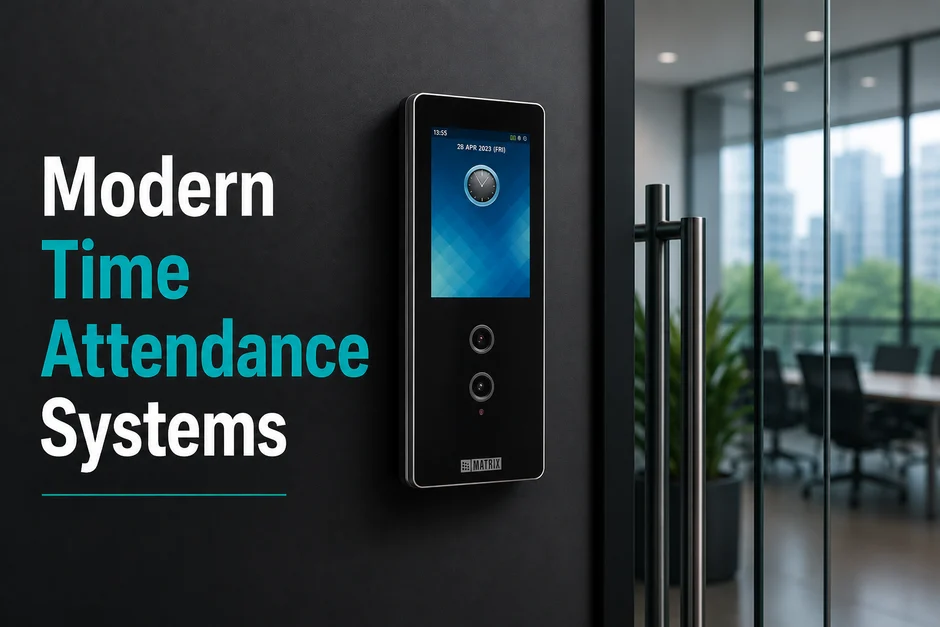
Relying on old card swipe systems is a growing risk. Firms face higher payroll leaks and manual logging mistakes. Card sharing (or “buddy punching”) and data errors cost companies time and money. When HR teams spend hours fixing card logs, core work slows down.
A modern time attendance system solves these problems. Switching to biometrics syncs your logs. You can link entry data directly to payroll. This guide shows you how to plan a successful biometric attendance upgrade project.
Legacy vs. Modern time Attendance system Setup
| Tracking Method | Legacy Card & PIN Systems | Modern Biometric Platforms |
| User Proof | No proof. Badges can be shared. | Scans verify the person via face or palm. |
| Data Sync | Manual exports take hours. | Real-time transfer to HR systems. |
| Shift Rules | Hard to track rotating shifts. | Smart rules apply on their own. |
| Lobby Flow | High work to replace lost cards. | Touchless scanners speed up lines. |
Strategic Takeaways for Workforce Managers: Replacing cards stops time theft and secures your site. To succeed, deploy a setup that handles remote offices. A robust Matrix time-attendance system helps you manage multi-site offices with ease. It creates a smooth time attendance integration with payroll software.
1. The Real Cost of Legacy Attendance Tracking
Old time attendance systems drain company funds. The American Payroll Association (APA) shows that buddy punching affects over 75% of enterprises. This can cost up to 2.2% of gross payroll. When staff clock in for absent staff, labor costs rise.
Siloed files make audits hard. Shared or lost cards mean you cannot prove who was there. This makes payroll checks slow and flawed.
Critical Points of Legacy Time Attendance Systems
- Time Leakage: Staff clock in early or leave early without log changes.
- Manual Edits: HR teams spend days correcting punch errors every month.
- Compliance Risks: Flawed logs that fail standard labor audits.
Stopping Payroll Disputes at the Source: To secure your site, plan a face recognition time attendance system deployment at main entry doors. This touchless step links physical scans to shift logs. It stops card sharing and cuts manual work, saving your HR team time.
2. Assessing Site and Weather Needs
A time clock must match the workspace. Putting standard office gear in a dirty plant is a big mistake.
A site audit helps you choose the right tools. Dust, water, and network drops vary by site. Units must be strong to last in local weather.
Site Profile Factors
- Plants: Dust and dirt clog fingerprint sensors. Touchless options work best.
- Coastal Sites: Wet, salty air rusts parts. Use IP65-rated cases to protect circuits.
- Remote Offices: Slow internet drops links. Units must save data locally and sync when online.
Matching Scanner Types to Workspace Needs
Select scanner types based on how employees work:
- Face Scans: Touchless entry is ideal for dusty sites where workers wear gloves.
- Palm Veins: Touchless scanners read vein patterns, offering high safety for sterile labs.
- Fingerprints: A low-cost choice for clean, standard corporate offices.
Investing in a Matrix time-attendance stack secures your sites. The hardware saves logs locally. A network drop will not stop a worker from clocking in.
3. Designing a Resilient and Cyber-Secure Architecture
Real-time data moves can strain your network. During shift changes, hundreds of workers badge in at once.
A strong setup prevents network blocks. Smart edge units process scans locally. The server manages setup. Local devices queue logs for upload.
Data Security and Biometric Compliance
Biometric records are sensitive. A secure face recognition attendance deployment must protect worker privacy.
- Key Security: Do not store raw photos. The system converts scans into encrypted digital keys.
- Role-Based Access: Limit who can view logs to prevent data leaks.
- Privacy Alignment: Align storage rules with local laws to secure user trust.
Using a modern face recognition time attendance system stops data theft. It secures the link between readers and databases. This stops bad actors from stealing badge logs.
4. Aligning Policies for Seamless Payroll Integration
A terminal is only as good as its software. To sync payroll, link your HR rules with the database.
Policy Setup Key Areas
- Shift Mapping: Define rotating, night, and split-shift patterns.
- Grace Limits: Set automatic grace periods for late arrivals.
- Overtime Rules: Calculate extra hours based on local labor laws.
Expanding Reach: Geofenced Mobile Portals
Work happens in offices, plants, and the field. Mobile apps track remote staff. GPS and geofences check that workers clock in only from approved sites. Self-service portals let staff fix missed punches. This reduces daily HR queries.
A planned Matrix time-attendance stack connects terminals directly to your HR software. This synced time-attendance and payroll integration link cuts manual entry. It prevents payout errors.
5. The Strategic Advantage of Local Engineering Ownership
Physical security needs a reliable partner. Multi-brand setups often suffer from bugs and slow support.
Matrix Comsec offers a unified, single-vendor physical security stack. This Made-in-India solution links access, video, and door phones. By owning both hardware and software, Matrix Comsec ensures smooth system setup and simple support. This cuts installation costs and prevents system conflicts.
Future-Proofing Your Security Setup
Review your current setup against modern standards. Ensure your security system can scale with your business. Contact our consultants to plan a modern, secure access control architecture.
Conclusion
Transitioning to a modern time attendance system is vital in 2026. Outdated tools cause payroll leaks and admin workload. Choosing to upgrade to biometric attendance stops card sharing and logging errors.
Deploying a contactless face recognition time attendance system ensures high accuracy for large teams. This setup builds a reliable time attendance integration payroll connection. It saves time and money. A Matrix time-attendance stack offers a secure, unified platform that scales with your needs, making your face recognition attendance deployment a success. Conduct a site audit today, and contact our consultants to build a secure roadmap.
Frequently Asked Questions
How does the system handle internet outages at remote sites?
Smart terminals save logs locally. If the network drops, the hardware still records punches. The device saves all events and uploads them once the network returns.
What is the difference between a face image and a facial template?
To protect privacy, systems do not save actual photos. The reader scans faces and converts them into an encrypted digital key. The original face image cannot be rebuilt from this key.
Do face recognition systems work in dusty plants?
Yes. Contactless face recognition time attendance system models are ideal for dirty sites. Because they do not require touch, they bypass issues with worn fingerprints or gloves.
Can I link my current ERP software with the new attendance system?
Yes. Modern platforms use open APIs to connect with tools like SAP or Workday. This sync automates user setup, ensuring that departed workers lose access instantly.