
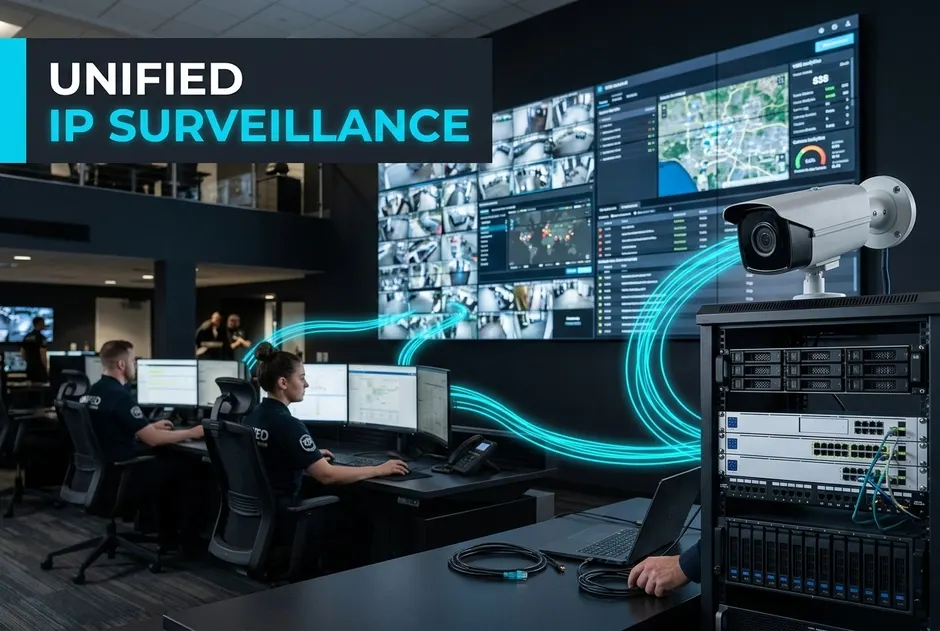
Many firms face a big test. They use old, split tools. Their software is mismatched. Their cams are split. This creates gaps in defense. Managing these feeds is hard. It raises risks across sites. It drains vital cash. It leaves places open to threats.
A unified security platform links cams, recorders, and access control. Firms can use one planned setup. They do not need split tools. This makes speed more steady. It helps you scale. You can link big hubs and small branches. Setup is simple when tools work as one. Upkeep is also easy. This single-vendor model cuts the total cost of ownership by 25%.
You can follow proven rules. First, choose tools that work together using common industry protocols. Next, select weather-resistant cams for harsh areas. Use tough cams in high-risk zones. Set clear retention rules. Use strong keys. Update firmware on a set plan. This approach is part of standard video surveillance best practices.
A safe, strong enterprise cctv system design is no longer a luxury. It is now key to keep your firm running.
What This Means for You:
You can shift from reactive viewing to active control. This turns defense from a cost into a helper.
We will show you how to build this setup.
Why Should Your Firm Choose a Linked Setup?
Old site defense relies on split cams, VMS, and access control. This old approach creates isolated hardware silos. These silos limit visibility. They raise risk. They slow down your defense work. A linked setup joins these parts into one logical network.
Building a modern ip video surveillance architecture delivers three key outcomes:
- No Link Friction: You do not need complex custom API tools.
- Simplified Vendor Control: One contact point resolves all system issues.
- Faster Incident Response: Operators view linked video and access events on one screen.
This strategy streamlines your vms and nvr design. It keeps speed steady across all your sites.
What are the hidden costs of split legacy systems?
Multi-vendor setups face software issues. They have slow firmware updates. They lead to arguments when tools fail. This friction raises risks. It drains valuable IT funds. It leaves sites open to threats. Matrix offers complete ownership of the entire technology stack. This hardware-software link makes matches clear. It ends link conflicts.
How does single-vendor integration reduce your total cost?
A pre-integrated, appliance-driven model cuts setup complexity. It also cuts licensing overhead. This single-vendor setup can lead to a 20% cost cut.
What This Means for You:
You get steady scaling and simpler upkeep. This lets you deploy systems faster. It keeps long-term costs low.
Next, we will discuss the physical setup.
How Do You Build a Reliable Video Network?
To build a reliable setup, you must avoid single points of failure. Start with hardware built for constant use. Focus on clear service terms. Seek vendor warranties and easy replacement. Align all parts to common interfaces. This helps them work together.
Here is how modern setups compare to old designs. Old systems use split software. They face frequent downtime. They need complex links. Modern systems use joined tools. They have higher resilience. They show steady speed. These steps improve surveillance.
Where should you process and keep video files?
Remote sites face weak network links. A hybrid storage setup solves this risk. You can record locally on recorders at the edge. Then, copy key feeds to a central server. This keeps saving active during network cuts. It still supports central oversight. It lets you tune detail per site.
How do you ensure high uptime with server backup plans?
To protect your system, you must plan for failures. A failover-ready layout uses standby servers. These take over when a unit stops. In an N+1 setup, one extra server supports several units. This lets feeds move without manual work. Matrix offers a tightly joined hardware and software model. This native design cuts setup effort. It keeps your system online. These backup tools help make sure of 99.99% system uptime.
What This Means for You:
You get a strong, automated system. It protects your data while controlling costs.
Next, we will discuss network bandwidth.
How Do You Save Bandwidth and Storage Space?
Video feeds place a steady load on networks and storage. Poorly planned setups send too much data. High traffic can clog links. Careful network design matches image detail with link speed. Common tools include video compression, size control, and frame-rate tuning. These reduce data size. They keep feeds clear for watch teams.
Old ways use the same high settings for every cam and stream. Modern ways tune settings based on risk, area, and use.
This mindset supports both large and small sites. High-traffic locations need more detail and more cams. Small or remote sites can use local saving. They can use scheduled transfers. The system helps us manage video surveillance.
How do you manage network load across remote sites?
Links between sites often have low speed. To reduce network load on daily business traffic, use high detail for local saving. Set lower-bitrate streams for remote viewing. This layered streaming method keeps links stable. Local storage holds video during link cuts. It sends data later on a set plan. It leads to a 40% bandwidth cut.
How do you match storage rules with local laws?
Rules on how long you keep video differ by region. Build retention plans that match legal advice. Use privacy features like masking of private zones. Restrict access through defined user roles. This makes sure only approved staff review sensitive footage. These steps can result in a 50% bottleneck cut in data workflows.
What This Means for You:
You gain a more predictable, scalable setup. Next, we will explore how advanced analytics fit into a unified setup.
How Do You Protect Your Systems Against Cyber Threats?
Modern IP video systems face growing cyber threats. Attackers target weak cam endpoints to enter firm networks. To reduce this risk, avoid poorly secured or unpatched hardware. Choose safety-by-design tools. Compliance with global and regional standards helps build trust. These include GDPR and local guidelines. A secure system needs network split. Enforce strict access controls. This proactive defense plan limits lateral movement. It blocks unknown tools from joining your firm network. It can lead to a 20% network breach risk cut.
Why is firmware updates key for device safety?
Bad firmware can grant hidden access to your network. Protect tools by enforcing secure boot. Require signed firmware images. Apply regular safety patches. This reduces the chance that hackers can run bad code or install backdoors.
How do you secure data when sent and stored?
Apply end-to-end encryption across all cams, recorders, and the central software. Use robust, modern protocols such as HTTPS and TLS. Combine this with strong passwords. Use certificate checks. Together, these steps shield sensitive video data. They prevent tampering. This helps give 99% data precision in guard logs.
What This Means for You:
A well-planned setup links cams, storage, and analytics. Thoughtful planning cuts blind spots. It eases control. Next, we look at system maintenance.
Frequently Asked Questions
What is the difference between centralized and local recording?
Central systems record all video streams to a single core data center. This setup requires high, steady network bandwidth. Local systems place recorders at local sites. They record feeds locally. This reduces network strain. It keeps saving active during WAN outages.
How does ONVIF support avoid vendor lock-in?
ONVIF compliance ensures that IP cams, recorders, and software from different brands communicate. This allows firms to design a unified system. You retain the choice to integrate old hardware. You can add third-party safety tools.
How can we save space without losing video quality?
Firms can use H.265 compression to save space. You can configure motion-triggered saving instead of constant streams. Finally, implement adaptive streaming. Use high detail for saving. Use lower resolution for live monitoring. This saves significant storage and network bandwidth.
Key Pillars of Firm Video Trust
A truly strong system relies on four core pillars:
- Seamless Integration: Native connection between cams, software, and access control.
- High Reliability: Redundant storage that keeps saving active during network cuts.
- Optimized Bandwidth: Smart streaming that adapts to local network limits.
- Robust Cybersecurity: Fully encrypted data transmission to protect against external threats.
Fragmented systems create operational blind spots. They drain your IT resources. To fully avoid these risks, you need a cohesive plan.
What This Means for You:
You save time, reduce safety risks, and simplify daily work. It is the perfect time to evaluate your current setup. Consult with Matrix Comsec experts today for a tailored, future-proof system design.
Conclusion
A modern video setup keeps your firm safe. Old, split systems cause blind spots. They waste vital IT funds. Moving to a unified setup solves these issues. This plan follows standard rules to simplify your setup. It ensures high uptime, better bandwidth, and strong security.
You can shift from reactive viewing to active control. This turns security from a cost into a business helper. Now is the perfect time to act. Check your current setup today. Talk to the experts at Matrix Comsec. They will help you build a future-proof setup.